Good plans start with your people.
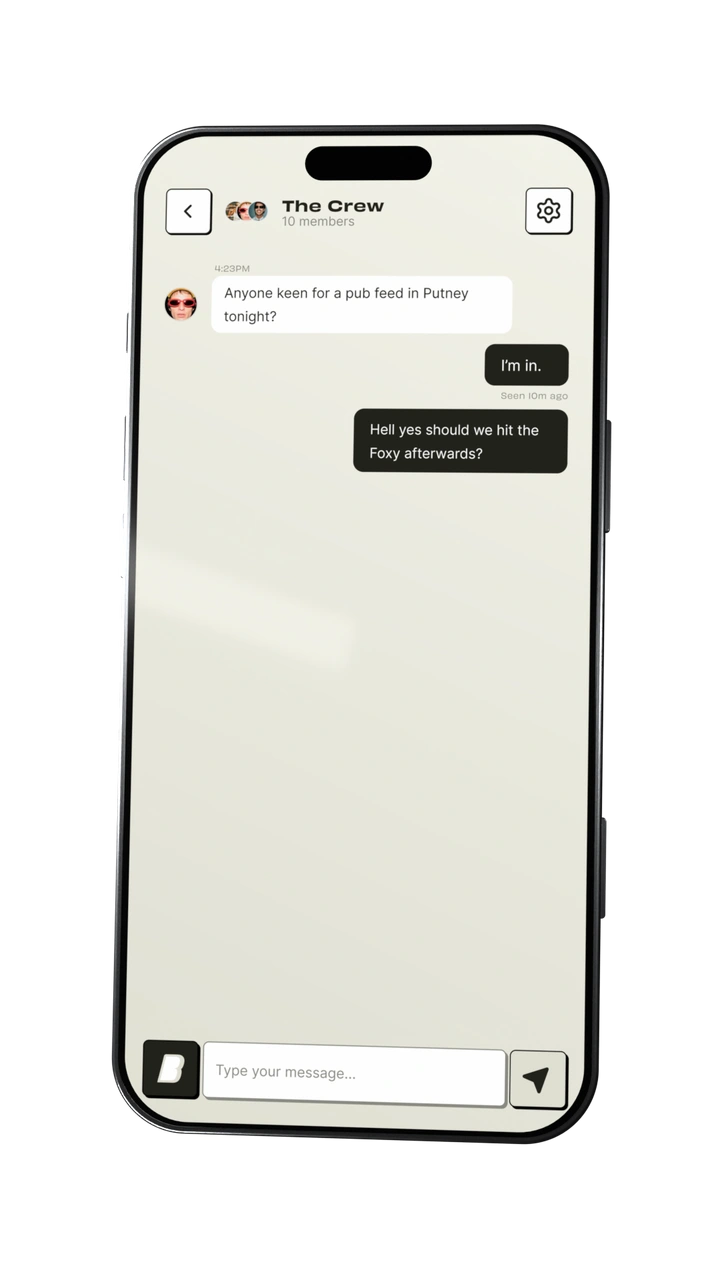
The everyday chat and the next get-together, in the same conversation.
 Get early access
 YOUR PEOPLE. ACTUAL PLANS.
We’re here to fix that. Make plans, see who’s in and sort the details together—all in the chat.
Join the betaScroll to see it happen
The everyday chat and the next get-together, in the same conversation.
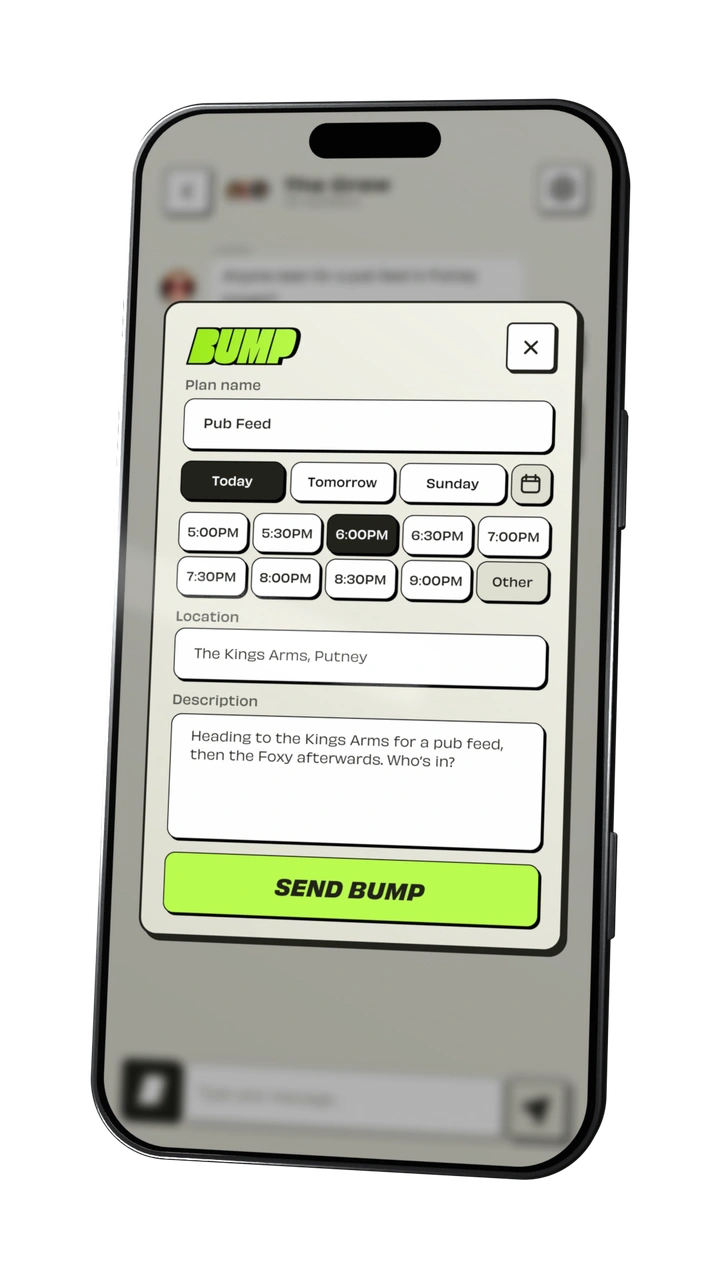
Pick a time. Add a place. Drop a Bump straight into the chat.
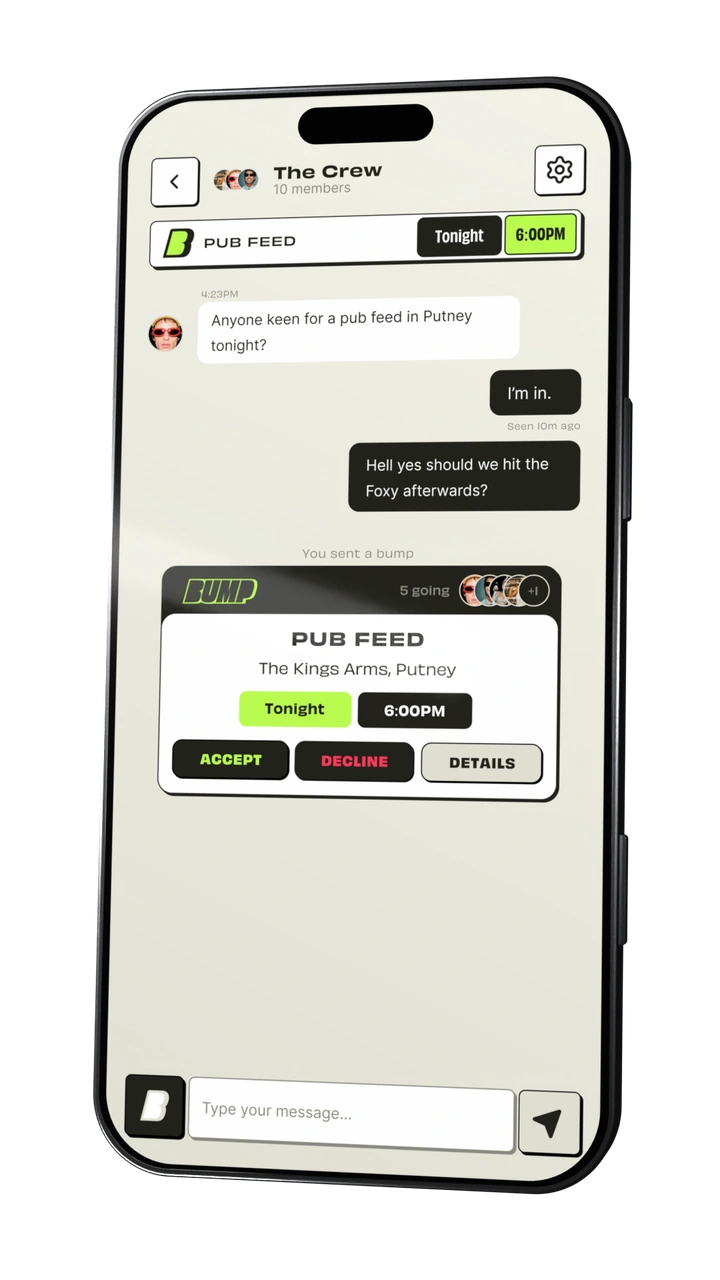
Friends accept right on the Bump. See who’s in as the faces and numbers add up.
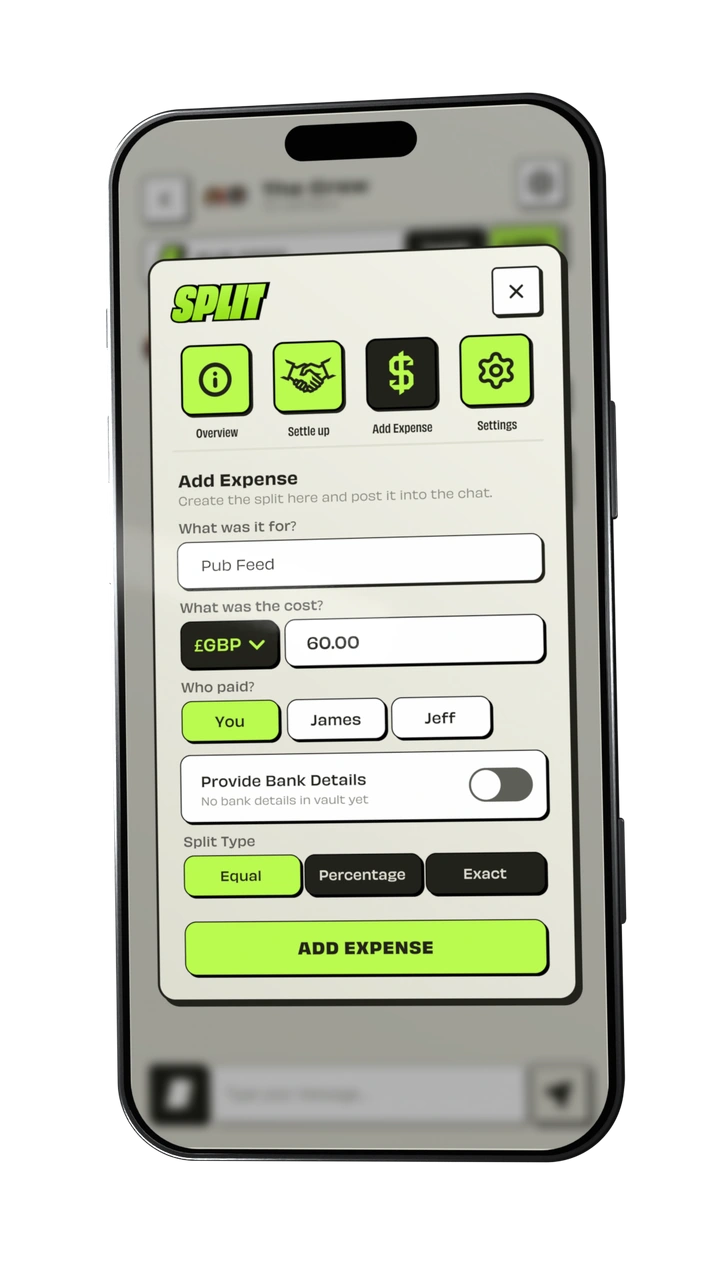
Add the expense, choose who paid and work out everyone’s share.
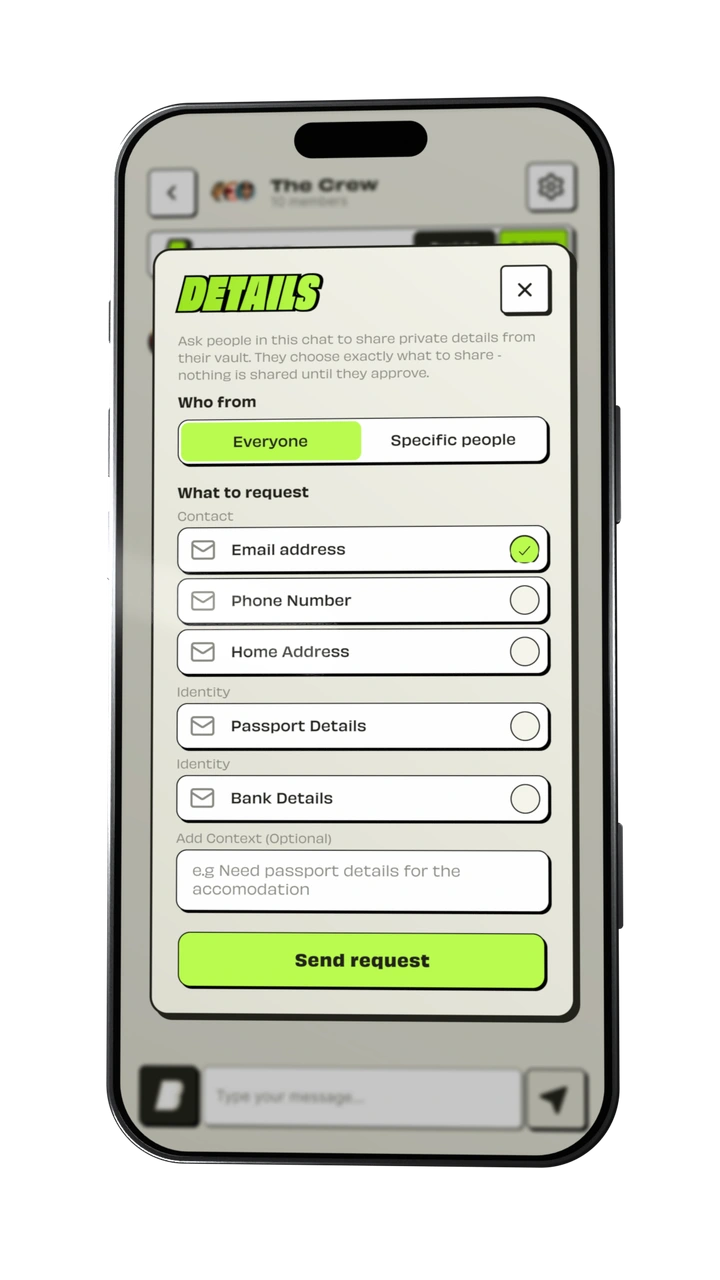
Request the details you need. Friends choose what to share—and approve it first.
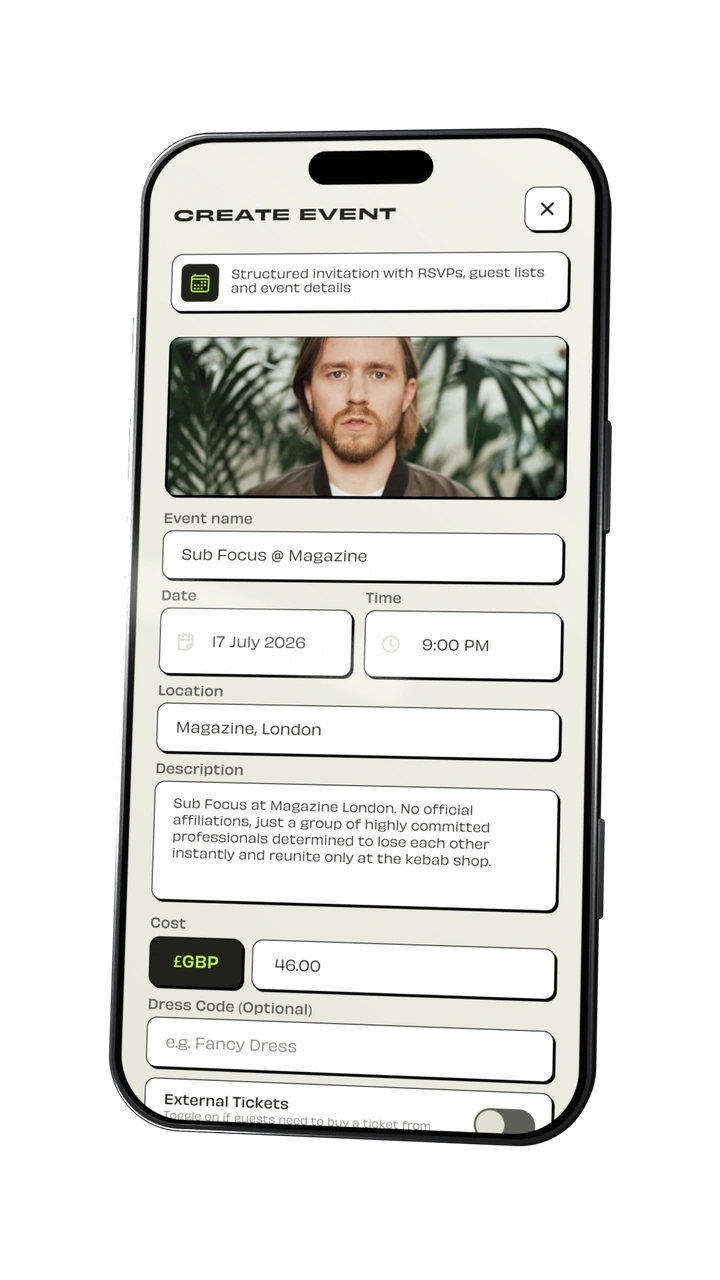
Add the cover, set the details and bring your friends together.
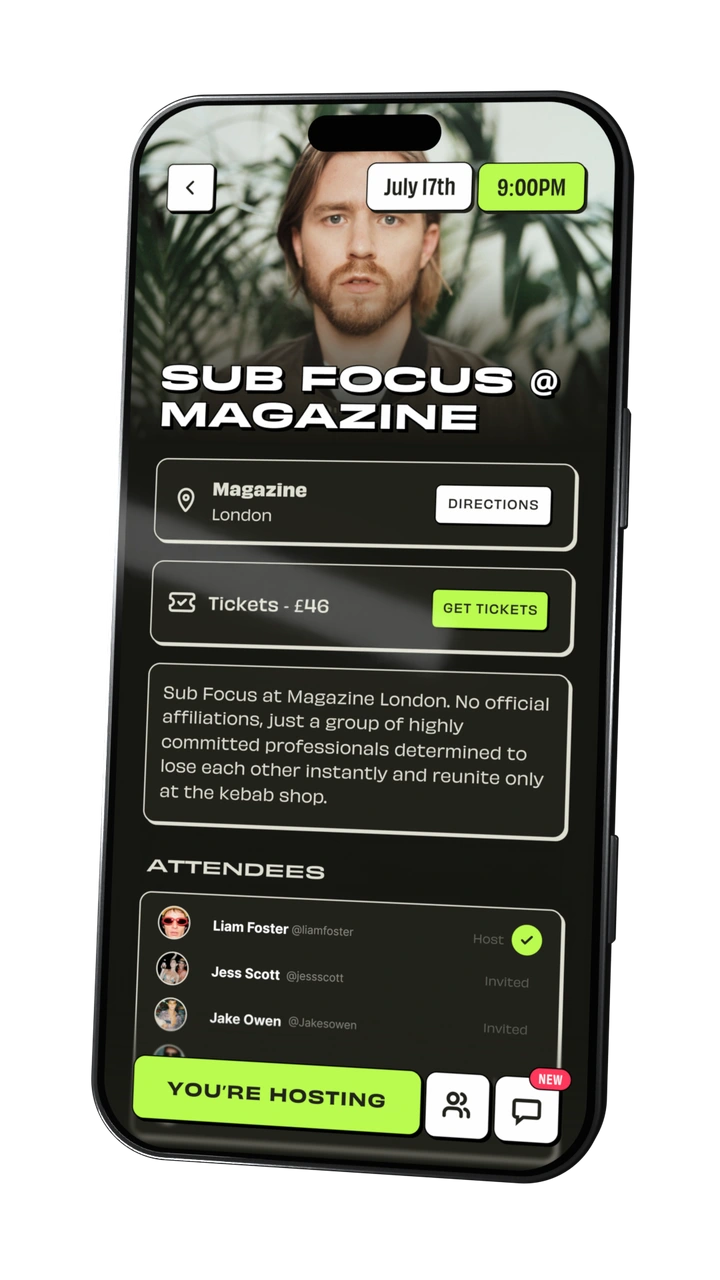
The where, the when and the who’s coming. All together on your event page.
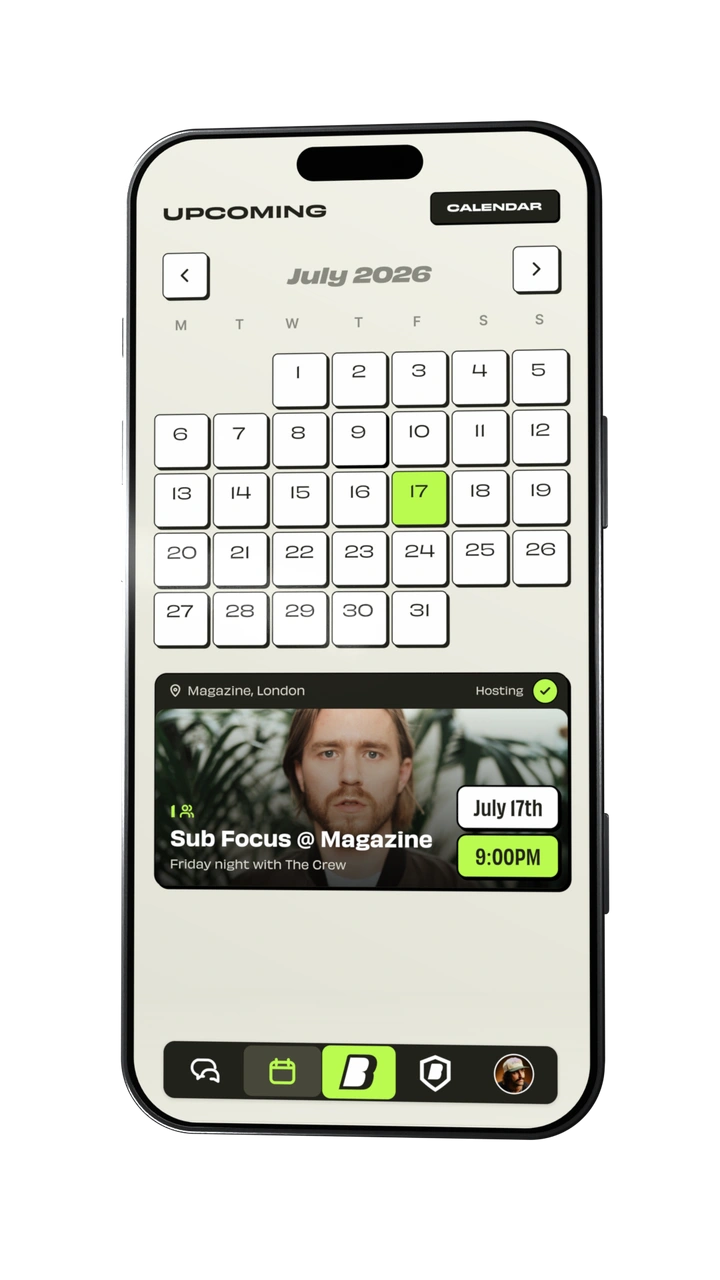
See what’s coming up, with your plans together in Bump.
Every good plan starts with a bump.
BE PART OF WHAT’S NEXT
Be among the first to try Bump on iPhone. Join the beta invite list and help make planning with your people better.
 EARLY ACCESS
THE BUMP TESTFLIGHT BETA
Help shape Bump before the wider launch.
BEFORE YOU BUMP
Bump is a messaging app for making real-life plans. Send a Bump in a chat, see who’s coming, organise events, vote in polls and keep track of shared costs and details.
Leave your email on the invite list. When a place is available, we’ll email you the details for installing Bump through TestFlight on your iPhone. Signing up doesn’t unlock immediate access.
This invite list is for the iPhone beta through Apple’s TestFlight app. We’ll include installation instructions with your invitation.
Your signup email is used to manage your beta invitation. The interactive examples on this page are local previews: they don’t send messages, share personal details or move money.